Best Budget Mechanical Keyboards Under $100: High-Performance Typing Without Breaking the Bank
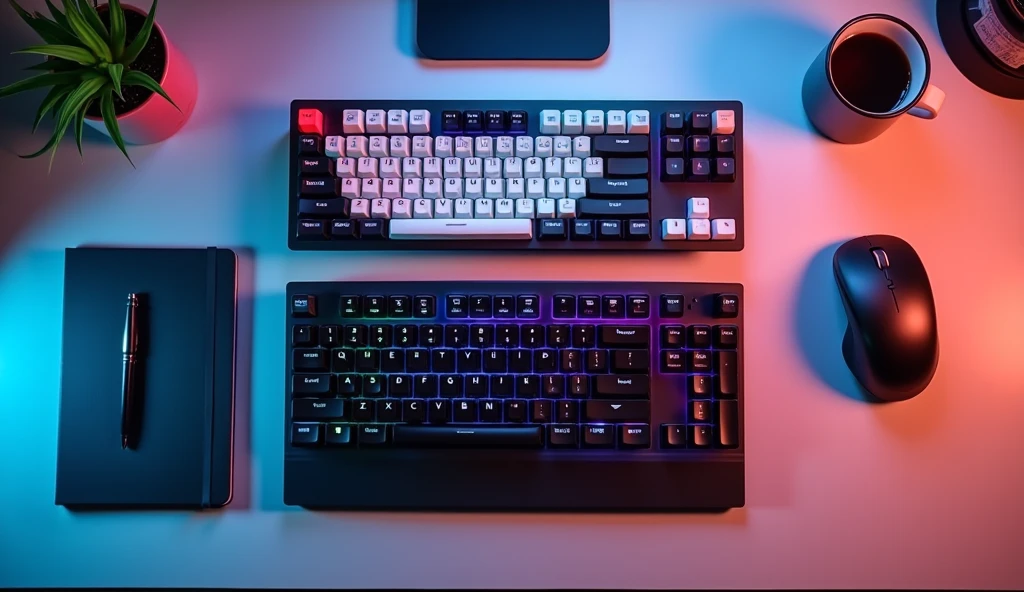
Gone are the days when a quality mechanical keyboard demanded a premium price. Today, the sub-$100 market is brimming with options that deliver the tactile satisfaction, durability, and performance upgrades that enthusiasts and professionals seek—whether for gaming, coding, or daily productivity. This guide cuts through the clutter to bring you the best budget mechanical keyboards of 2025, proving you don’t have to compromise on quality to stay within your budget.
Why Go Mechanical on a Budget?
The core appeal of a mechanical keyboard lies in its individual key switches. Compared to inexpensive membrane keyboards, even budget mechanical models offer a transformative typing experience: superior tactile feedback, consistent actuation force, and a significant boost in durability (often rated for 50-70 million keystrokes). For under $100, you gain access to features like full N-key rollover (vital for fast typing and gaming), robust construction, and often, customizable RGB lighting or programmable keys. It’s one of the most impactful upgrades you can make to your PC setup.
Key Buying Considerations for Budget Mechanical Keyboards
1. Switch Types: The Heart of the Experience
Budget boards often use reliable clone switches or house-brand switches that mimic the characteristics of the classic Cherry MX designs.
- Tactile (Brown variants): Provides a subtle bump mid-press. Ideal for typists and programmers who want feedback without loud noise. A versatile, all-purpose choice.
- Linear (Red variants): Smooth and quiet from top to bottom. Preferred by gamers and fast typists who favor speed and a consistent keystroke.
- Clicky (Blue variants): Offers both a tactile bump and a satisfying audible click. Great for tactile feedback lovers in personal spaces, but potentially disruptive in shared environments.

2. Build Quality & Form Factor
At this price, materials matter. Look for keyboards with a steel backplate for stability and a durable plastic case. Tenkeyless (TKL) layouts are prevalent as they save cost and space, but full-size and compact 65% options are also available.
- Full-Size (100%): Includes the numpad. Best for data entry or users who rely on numpad shortcuts.
- Tenkeyless (TKL): Lacks the numpad, freeing up desk space and placing your mouse closer. The most popular budget category.
- Compact (75% / 65%): Further reduces size by integrating the function and navigation keys. Maximizes desk real estate and portability.
3. Features That Matter
- Hot-Swap Sockets: A premium feature now trickling down to budget models. Allows you to change switches without soldering, offering incredible long-term value and customization potential.
- Backlighting: Single-color or RGB backlighting is common. Look for per-key lighting for better effects and visibility in low-light conditions.
- Programmability: Basic macro recording and key remapping via software can be a significant productivity booster.
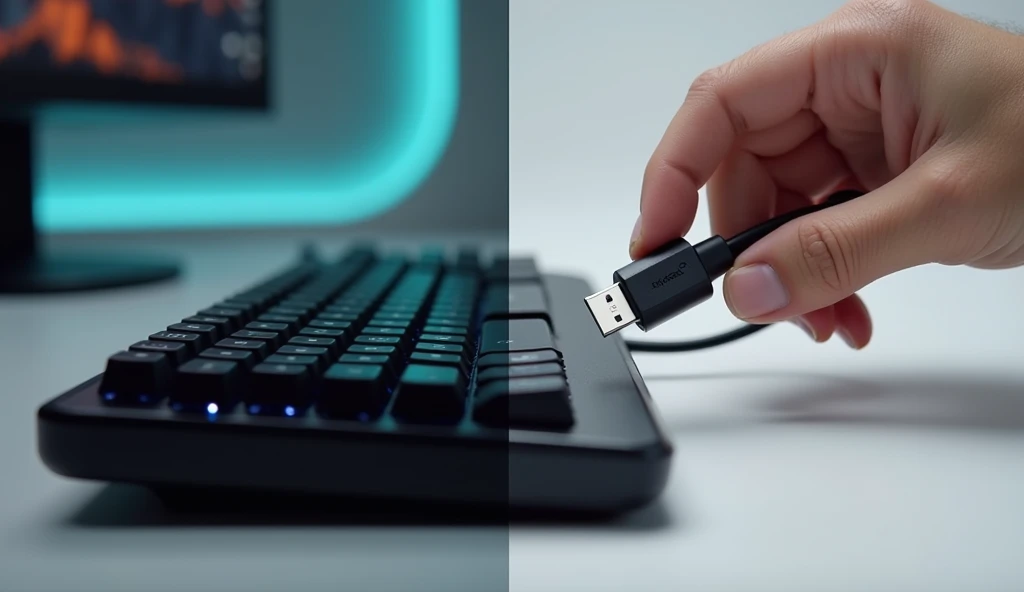
- Connectivity: Wired USB-C is standard. Some budget models now offer reliable 2.4GHz wireless and Bluetooth options.
Top Picks: Best Budget Mechanical Keyboards Under $100 (2025)
1. The All-Around Champion: Keychron V Series (V1, V3, V6)
Keychron has mastered the budget segment. The V Series offers a stunning value proposition with a gasket-mounted design for a softer typing feel, QMK/VIA open-source programmability for deep customization, and hot-swappable sockets. Available in various sizes (75%, TKL, Full-size), it comes with excellent PBT keycaps and robust construction that punches far above its weight class.
Best for: Enthusiasts wanting a custom-like experience on a strict budget.
2. The Feature-Rich Powerhouse: Royal Kludge RK84 / RK87
A perennial favorite, RK boards pack an incredible feature set. You often get triple-mode connectivity (wired USB-C, 2.4GHz wireless, Bluetooth), hot-swappable switches, long-lasting battery life, and per-key RGB—all in a sleek, compact design. The RK84 (75%) and RK87 (TKL) are benchmarks for wireless versatility under $100.
Best for: Users who need seamless switching between multiple devices (PC, laptop, tablet).
3. The Gamer’s Value Pick: HyperX Alloy Origins 60
When build quality is paramount, the Alloy Origins 60 delivers. It features a solid aluminum frame, reliable HyperX linear Red switches (some of the best stock switches in this price range), and dynamic NGENUITY software for lighting and macros. Its 60% form factor is ultra-portable and built like a tank.
Best for: Gamers and minimalists who prioritize a rock-solid, premium feel and responsive linear switches.

Illustrative image AI / HackStec
4. The Reliable Workhorse: Logitech G G413 TKL SE
For those who trust mainstream brand reliability and clean aesthetics, the G413 TKL SE is a standout. It uses tactile ROMER-G switches for a quiet, crisp response and boasts a brushed aluminum top plate. The white backlighting is elegant, and the build quality from Logitech is consistently excellent. It’s a no-nonsense, high-performance keyboard.
Best for: Users seeking a trusted brand name, a clean look, and dependable daily performance.
5. The Customization Starter Kit: Tecware Phantom+ / Elite
Tecware offers incredible bang for your buck. The Phantom+ series provides a full-size or TKL layout with hot-swappable outemu sockets, double-shot PBT keycaps, and per-key RGB at a remarkably low price point. It’s the perfect platform for beginners to try different switch types without financial risk.
Best for: First-time mechanical keyboard buyers and tinkerers looking to explore customization.
Comparison Table: Budget Mechanical Keyboards Under $100
| Model | Form Factor | Switch Type (Typical) | Standout Features | Best For |
|---|---|---|---|---|
| Keychron V Series | 75%, TKL, Full-size | Gateron Pro (Hot-swappable) | Gasket Mount, QMK/VIA, PBT Keycaps | Custom Enthusiasts, Typists |
| Royal Kludge RK84/87 | 75% (RK84), TKL (RK87) | RK Red/Brown/Blue (Hot-swappable) | Triple-Mode Wireless, Long Battery, RGB | Multi-Device Users, Wireless Fans |
| HyperX Alloy Origins 60 | 60% | HyperX Linear Red | Aluminum Frame, Premium Build, Portability | Gamers, Minimalists |
| Logitech G G413 TKL SE | Tenkeyless (TKL) | Tactile Romer-G | Brushed Aluminum Plate, Brand Reliability, Clean Design | Office/Home Workhorse |
| Tecware Phantom+ | Full-size, TKL | Outemu (Hot-swappable) | Extremely Low Cost, PBT Keycaps, Per-Key RGB | First-Time Buyers, Budget Tinkerers |
The Verdict & Future Outlook
The sub-$100 mechanical keyboard market in 2025 is more competitive than ever, with features like hot-swap sockets and wireless connectivity becoming standard. The Keychron V Series is our top overall recommendation for its unmatched build and customization potential. For wireless flexibility, the Royal Kludge RK series is unbeatable.
When choosing, prioritize the switch type and form factor that suits your primary use, and don’t overlook the value of PBT keycaps for long-term durability. This price point no longer means settling—it means smart shopping for a tool that will elevate your computing experience for years to come.
Illustrative image AI / HackStec
FAQ: Budget Mechanical Keyboards
Q1: Are budget mechanical keyboards durable?
A1: Yes, most are significantly more durable than membrane keyboards. Look for models with a metal backplate and switches rated for at least 50 million keystrokes. Brands like Keychron and HyperX use materials that ensure longevity.
Q2: Can I change the keycaps on a budget keyboard?
A2: Absolutely. Most use a standard Cherry MX stem layout, meaning the vast universe of aftermarket keycaps is compatible. This is an easy and affordable way to personalize your board’s look and feel.
Q3: Is wireless reliable on budget mechanical keyboards?
A3: Modern 2.4GHz wireless dongles offer performance nearly identical to wired for typing and casual gaming. Bluetooth may have slight latency. Brands like Royal Kludge and Keychron have proven that reliable wireless is very achievable under $100.
Q4: What’s the advantage of “hot-swappable” on a budget board?
A4: It future-proofs your purchase. If a switch fails, you can replace it cheaply. More importantly, it lets you experiment with different switch types (tactile, linear, clicky) later on without buying a whole new keyboard, greatly extending its value.
Q5: Do any budget keyboards come with silent switches?
A5: Yes. Many models offer linear red variants which are relatively quiet. Some brands like Keychron and Royal Kludge also offer specific “silent” switch options (like silent red or silent brown) that include dampeners to reduce noise further, ideal for shared spaces.





Publicar comentário